Plan a maneuver node
Work out a burn on the map before you fly it, so you know its cost and where it leaves you before you light the engine.
You need this whenever you want to raise or lower your orbit, meet another world, or line up a return. It is far more exact than steering by eye.
- You are in flight and past launch.
- Your ship is coasting somewhere the map can draw a line for. It is not sitting on the pad, and not falling straight down.
Steps
- Open the map. Tap MAP in the flight screen; it reads FLIGHT while the map is open.
- Hold your finger on your orbit line where you want the burn. A ring fills in around the press; let go once it closes and a node appears there, selected, with its panel open.
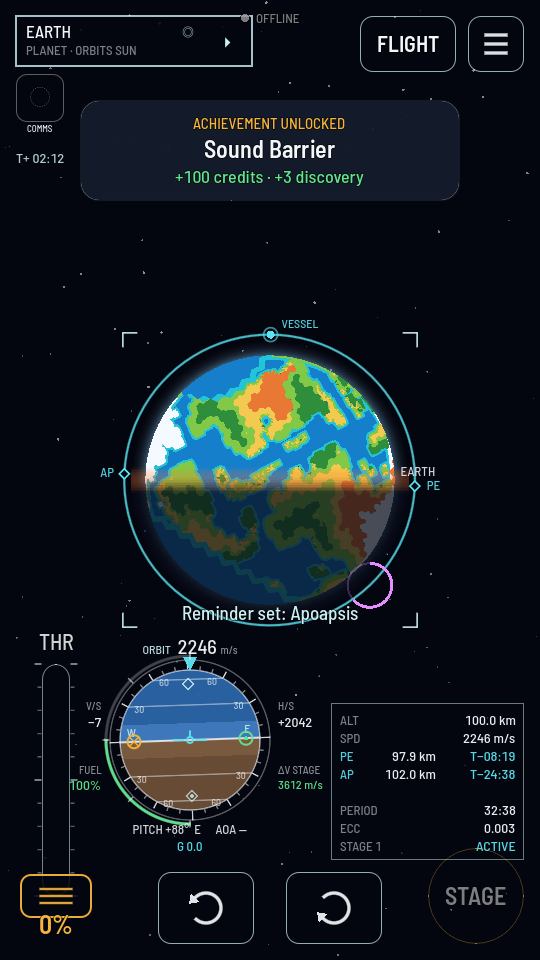
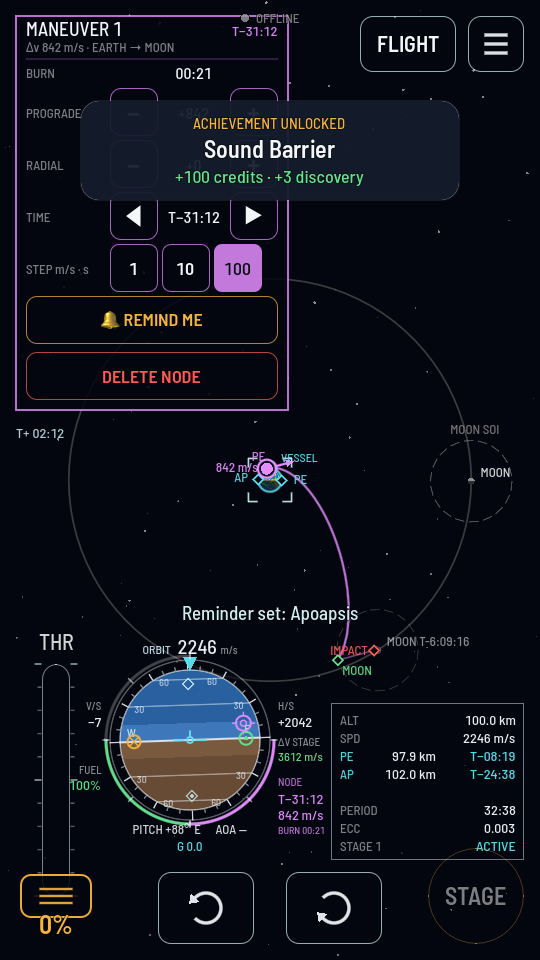
Hold still until the ring closes; a press that wanders or a plain tap plants nothing. - Dial in the burn. Pick a STEP chip, 1, 10 or 100, for how big each tap is, then tap + or − beside PROGRADE to speed up or slow down along your current path, and beside RADIAL to push outward or inward. Hold a button down to run through several steps at once.
- Fine-tune when it fires, if you need to. The TIME row's ◀ / ▶ nudges the node earlier or later by the same step, in seconds; dragging the node itself moves it more freely along the line.
What you should see
The panel names the total Δv and, once the burn is big enough to matter, the world you are heading toward. The BURN row says how long your current stage must hold the throttle open to deliver it. Your planned path is drawn as a new curve with its own apoapsis and periapsis, or a marker for whatever world it meets, if the burn carries you that far.
Note
A node never expires on its own, and it is saved with the ship. Close the game, come back next week, or pick the same ship up on another device: the burn you planned is still on its forecast, waiting. Nothing is spent until you actually fly it.