Look up a world
Read any world's size, pull, air and day off the map before you go, and find the rest — its biomes, its landforms, what a trip costs — on its own page here.
In the game: the map's card
Nothing about a world is hidden until you reach it. You can read Pluto's gravity on your first flight.
- Open the map. The ringed world on the hangar's bottom bar, or MAP in the top right in flight. In flight the flight carries on behind it.
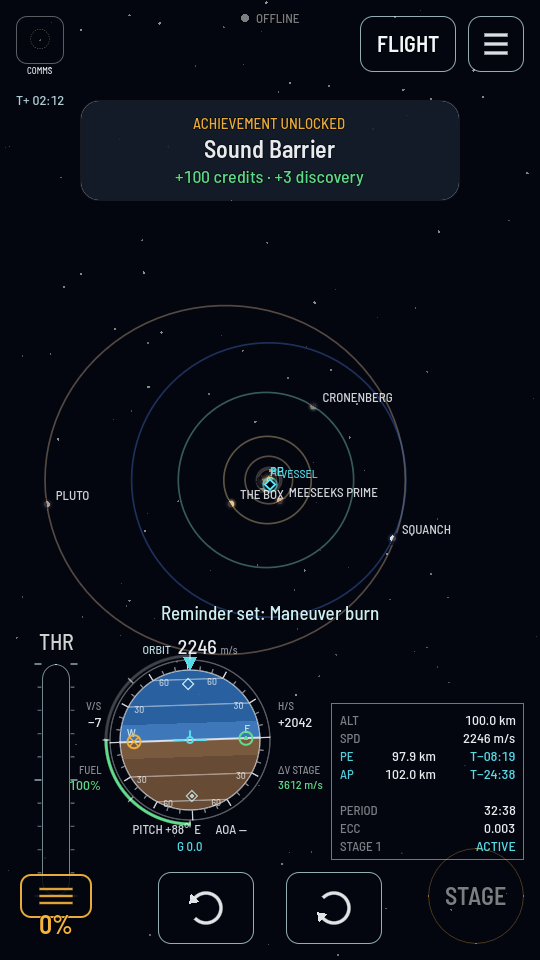
- Zoom out until the world is on screen. Pinch to zoom and drag to pan. The outer planets sit on their own labelled rings; the four inner ones are inside the knot near the star.
- Hold your finger on the world. Keep it still and a white ring fills around it; when the ring closes, a card opens in the top left with its name, what kind of body it is and what it orbits. A plain tap on a world selects nothing, so a tap meant for a ship flying over a planet never throws the camera onto the planet.
- Read the rows. RADIUS, GRAVITY, ATMOSPHERE (or NONE), DAY, SOI for how far its pull reaches, ORBIT and PERIOD for its own path round its parent, and RANGE for how far it is from your ship right now.
In the manual: the world's page
The card holds what a flight needs in the moment. Everything else about the place is on its page under The worlds, and the pages all carry the same sections in the same order:
| You want to know | Section |
|---|---|
| How fast to go to orbit it, or to leave it | The numbers |
| Whether it is rock, ice or gas | What it is made of |
| How thick the air is, how cold, and what gases at what height | The air |
| Which biomes it has and where they run | The ground |
| Which named ranges, plateaus and craters it has | Named landforms — Earth, the Moon and Mars only |
| What the trip costs in Δv | Getting there |
| How much discovery is left to earn there | What it pays |
| Which achievements name it | What it pays out for |
Note
The search box at the top of the manual finds a world by name, and so does a biome or a landform: type Crown Range or Methane Seas and the page that lists it comes up.