Lock the stage button
Lock STAGE so a thumb that lands on it by accident cannot drop a stage you still need.
You need this on a long coast, and whenever the next stage is one you cannot take back: a parachute, a separator under a lander, the last engine. STAGE sits in the lower right corner, where a thumb rests to drag or pinch the map.
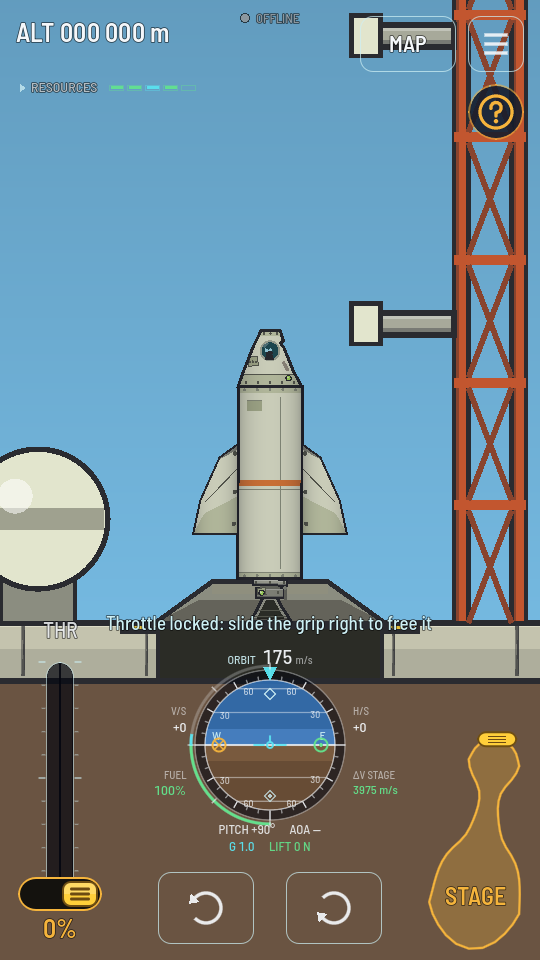
- You are flying and STAGE is on screen. In docking mode it is not.
- Someone aboard can stage. While STAGE is greyed, because the pilot is blacked out or a probe has lost its link, it ignores every touch, and that includes the lock.
Steps
- Press STAGE and keep your finger down. Hold it for about a third of a second. A quick tap stages as it always does, so do not let go.
- Pull your finger straight up. The button is drawn out after it like a drop of something thick: a round tip that follows a moment behind your finger, on a neck that thins as you pull and bends when you move sideways. The yellow grip from the top of the button rides on the tip.
Pulling: the tip follows your finger and the neck bends behind it. - Keep pulling until the bubble breaks. That takes about twice the button's height. It pops, the ring settles back, and a padlock shows over the word STAGE. It clicks as it locks.
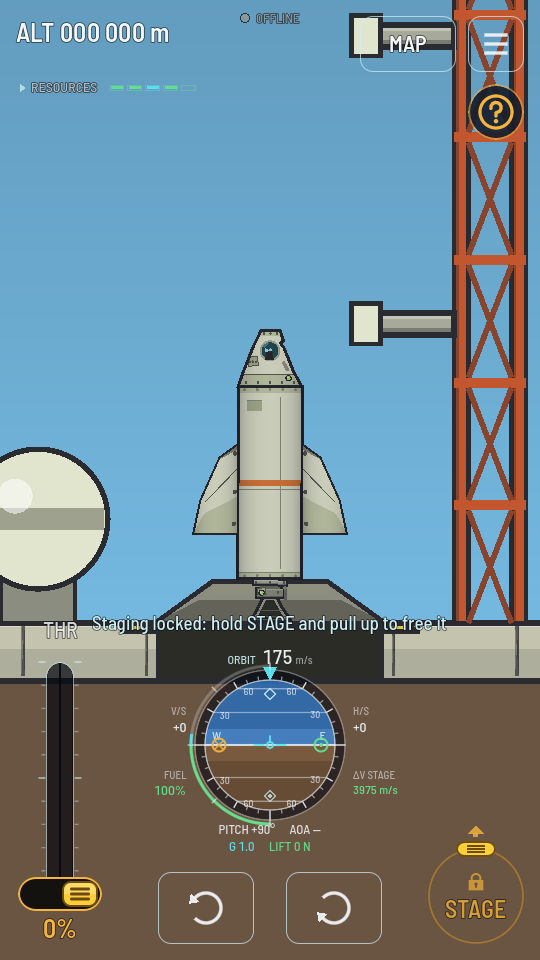
Locked: a padlock over STAGE, and a tap on it only says how to free it. - To free it, do exactly the same again. Hold, then pull up until the bubble breaks. The padlock goes, and the next tap stages.
What you should see
While STAGE is locked, a tap on it stages nothing, and a line above the navball says Staging locked: hold STAGE and pull up to free it. If you let go before the bubble breaks, it springs back, wobbling as it settles, and nothing changes, and it does not stage either. Once a pull has started, letting go never fires a stage. On a keyboard, Space counts as a tap on STAGE, so the lock holds it too.
Lock it after every stage
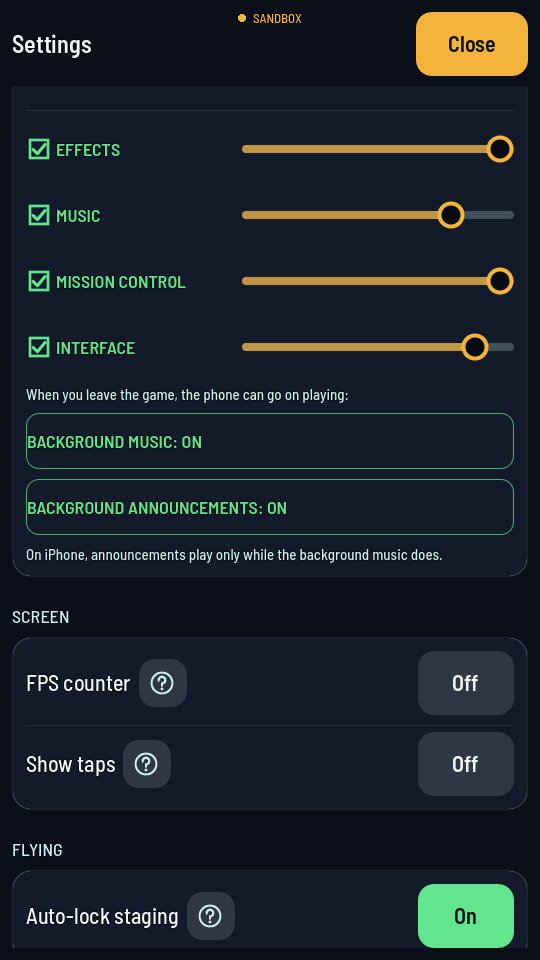
In the hangar's Settings screen, under Flying, the Auto-lock staging switch turns on the automatic lock: tap Off and it reads On. The flight's own SETTINGS sheet has the same switch, AUTO-LOCK STAGING: OFF / ON. With it on, STAGE locks itself as soon as a tap has fired a stage, so every stage after that takes a pull to free it first. Your phone remembers the switch.