Recover a landed ship
Bring a ship home from the ground and get back the credits for everything still aboard.
You need this once a flight is over and the ship is down in one piece. It is both how you end a successful flight and how you get part of its price back.
- The ship was launched. One still sitting on the pad has nothing to recover.
- It is alive: a ship that crashed is a wreck, not a landed ship, and cannot be recovered.
- It is standing still on the ground. A ship still falling, sliding or bouncing is not offered yet.
- It is on Earth. A ship landed on any other world cannot be recovered.
Steps
- Open the flight menu. Tap the hamburger button in the top right corner of the flight screen.
- Tap RECOVER. It only appears in the menu once the ship has come to rest.
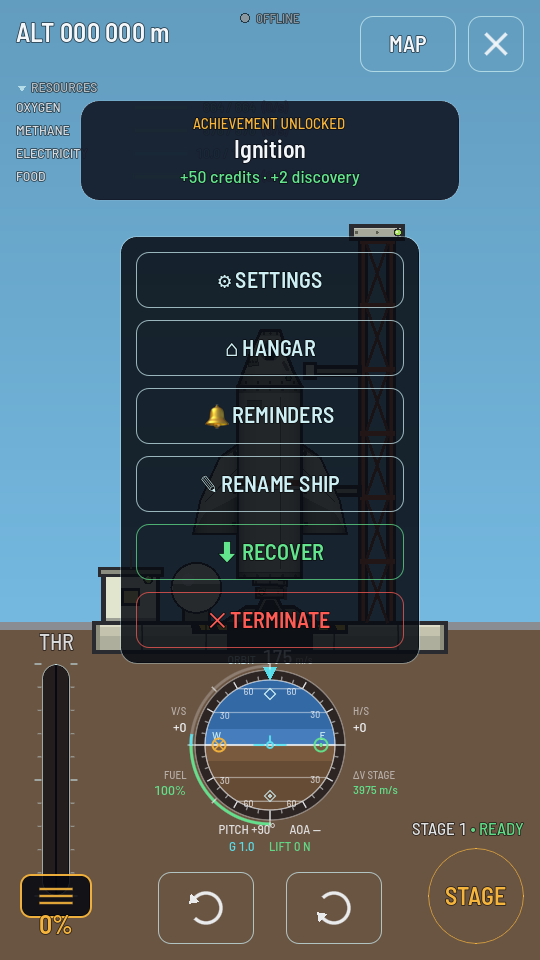
RECOVER sits above TERMINATE, once the ship is still. - Confirm. The menu asks "Recover the vessel? It comes home to the hangar and every part still aboard is refunded, with any debris of yours lying within 2 km. The flight ends here." Tap RECOVER to go through with it, or STAY to back out.
What you should see
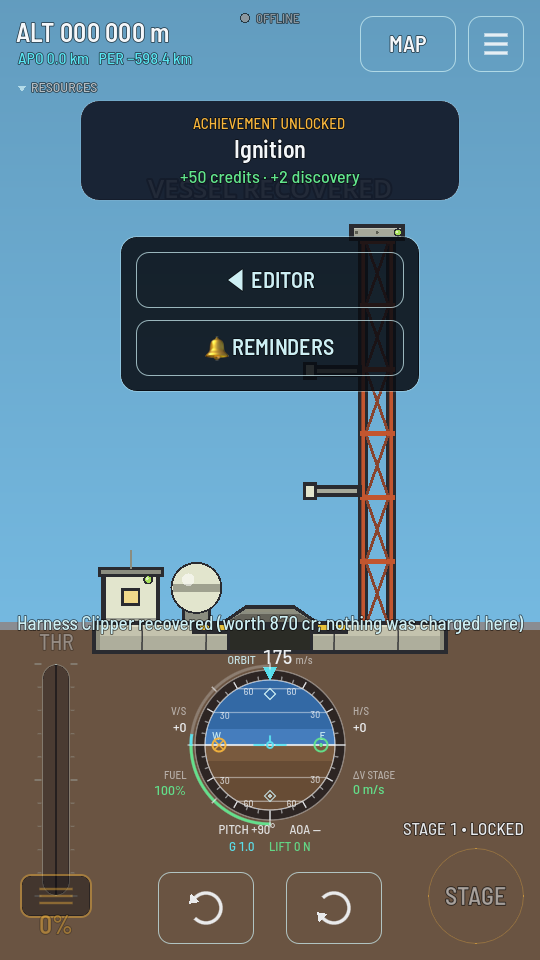
The banner reads VESSEL RECOVERED, the parts leave the scene with no blast, and the menu is left offering only the way back to the hangar. A toast names what came back in credits: every part still aboard, at its own price, plus the parts of any debris of yours that was lying within 2 km — another toast counts those pieces. Nothing comes back for a stage that broke up or came down further away, or for a part a hard landing already cost you.